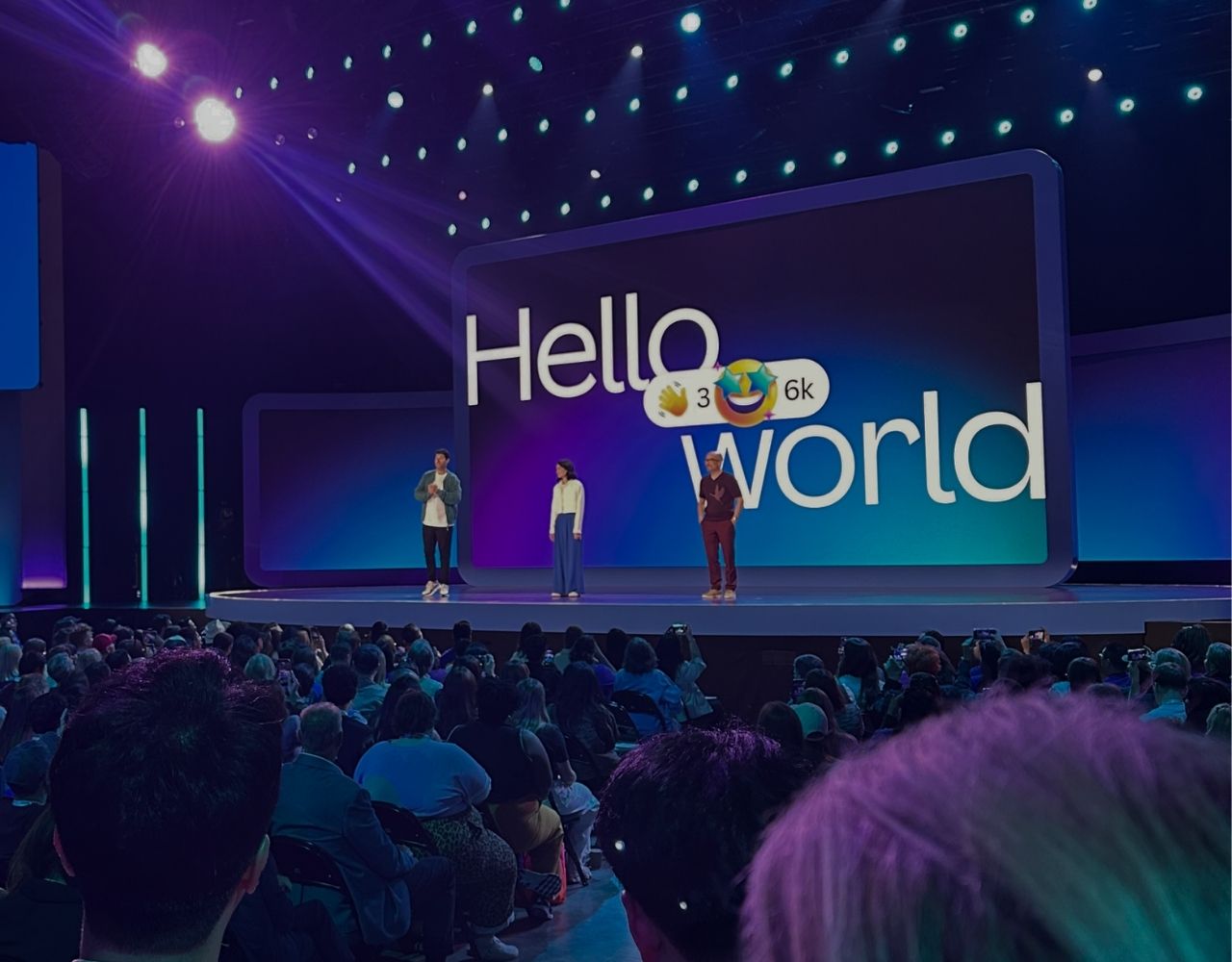
Canva Create 2026: Canva AI 2.0 and the Dawn of a New Creative Era
Reading time: 9 minutes
Another year, another trip to SoFi Stadium — and another keynote that had me questioning whether I was attending a tech conference or a world-class concert. But walking into Canva Create 2026, I felt something different in the air.
When I reflect on the past 12 months and what has happened in the technology world, it genuinely feels less like a year and more like a decade compressed into one. The velocity of AI advancement alone has been staggering. So the question on everyone’s mind heading into this event was simple: What could Canva possibly have left to announce?
As one of just 33 Canva Agency Partners worldwide, our team at NAV43 is as close to the platform as anyone. We help clients onboard, build, and scale within Canva every single day. And yet, even we had no idea what was coming. If you have any skeletons in your closet, you may want to consider telling the three Canva founders — because they are extraordinarily good at keeping secrets.
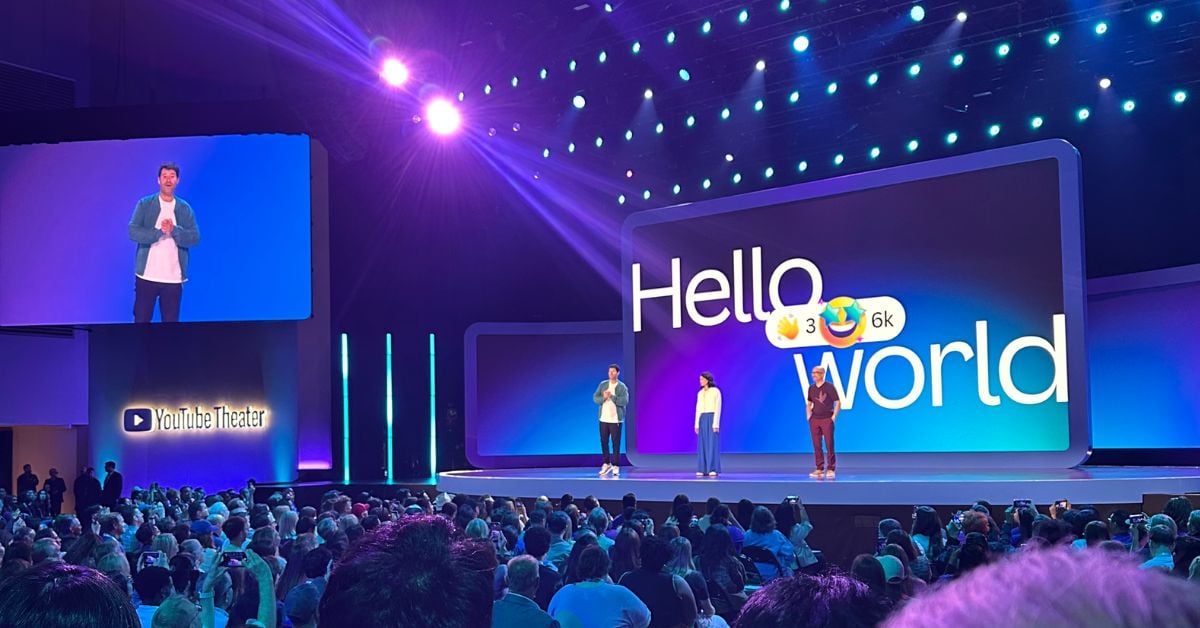
Walking Into the YouTube Theater: Broadway Meets Big Tech
Stepping into the YouTube Theater at Hollywood Park, you are immediately struck by the level of production. Think Broadway — but for tech. The stage design, the lighting, the live band warming up the crowd — it is a full sensory experience. The capacity crowd was buzzing with anticipation, eager to see what the Canva team had engineered over 12 months of rapid AI advancement.
Would they unveil fully autonomous AI agents that could handle the work of a junior designer? Would we finally get the on-brand AI content generation that every marketing team on the planet has been waiting for? I did not know, but I knew one thing with certainty: I was not going to be disappointed.
Canva AI in 2025
Before I tell you about what was announced, I want to be honest about where things stood heading in.
Last year at Canva Create 2025, I was genuinely blown away by the volume of feature releases. Some of what they shipped was, without exaggeration, life-changing — and I say that as someone who understands how loaded that word is. When you are creating content at agency scale for 30+ clients every day, something like the ability to resize a design across multiple formats in a single file sounds trivial. But when you multiply it across hundreds of assets — blog thumbnails, Instagram posts, LinkedIn graphics, TikTok covers — that one feature compounds into hours and hours saved every week.
The 2025 theme was wishes granted, and they delivered on that in a huge way: Canva Sheets, Canva Docs, multi-format design support, bulk creation — it was an incredible release. (You can read my full recap of Canva Create 2025 here.)
But the AI features in 2025? I will be honest — they did not land the way I thought they would. The results were not there…. yet. As someone who works in AI and machine learning daily, I knew enough to reserve judgment. Great AI requires one thing above all else: time. Time to accumulate structured data, learn context, build personalization, and — most critically — orchestration.
And that is exactly what I was watching for in 2026.
The Drop: Canva AI 2.0
As the three founders took the stage, with the Wolves of Glendale band setting the tone for what was about to unfold, and a capacity crowd roaring with excitement, it became immediately clear within the first few minutes: AI was not going to be presented as a new feature tucked into a menu somewhere. It was going to be the future of what Canva is.
And then came the announcement.
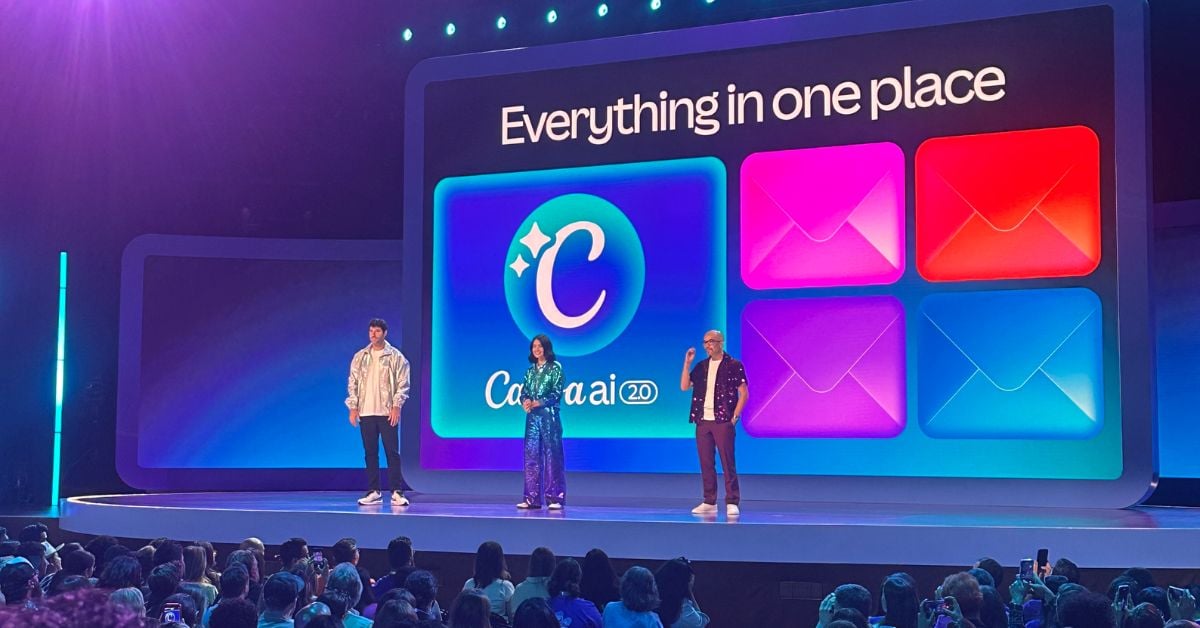
Canva AI 2.0.
I have to pause here and admit something. I am a genuine Canva lover — unabashedly, unapologetically. When I was recently asked, as a CEO in the tech space, what my single favourite tool is, my team expected me to say Claude, Cursor, or ClickUp. All of which I use obsessively. But I said Canva — because it makes me feel creative. It lets me produce visually stunning designs, social media posts, and videos that punch well above my actual design ability. That is rare. That is fun.
And when I tell you that Canva AI 2.0 looks like the real thing, I am not saying it as a partner. I am saying it as a practitioner who has been waiting for someone to actually crack the on-brand AI content problem.
What Makes Canva AI 2.0 Different: A Feature-by-Feature Breakdown
The platform is not just an update. It is an entirely new architecture — and to understand why it works, you need to understand what has historically broken AI-generated creative content.
The problem has never been the AI. The problem has been the absence of context, memory, layering, integration, and orchestration. Remove any one of those, and your output is generic at best. Here is how Canva AI 2.0 addresses each one:
Memory Library
When you prompt an LLM with no context, it delivers what its training data deems most authoritative or most common. In the creative world, that means generic outputs — not your brand, not your aesthetic, not your clients’ guidelines. Memory Library changes this by learning your preferences, your design history, your brand parameters, and your creative style over time. The more you use it, the better it gets. Added context is the difference between “a social post” and “your social post.”
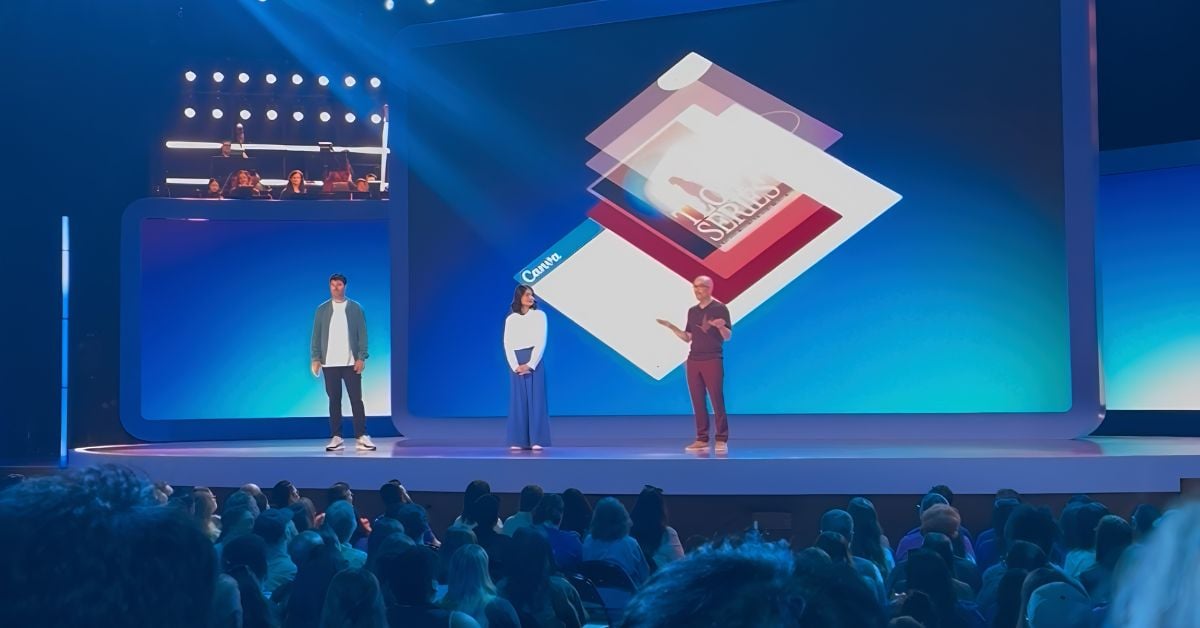
Layered Object Intelligence (Object-Based Intelligence)
Every designer who has worked with AI-generated images knows this pain: you love 85% of the output, but you cannot edit the other 15% without regenerating the entire thing — and then you are starting from scratch with a completely different result. That is because AI image output is delivered as a flat, merged file. Canva’s Object-Based Intelligence changes this at the architectural level. Outputs are layered and independently editable, so you can swap a font, replace one element, or tweak a layout without torching the whole design. This alone is a paradigm shift for creative professionals.
Connectors
Let us be honest about the current reality of creative work: it is buried under a blizzard of tab switching and copy-pasting. You are in Gmail, then Notion, then Slack, then Canva, then back to Slack. Connectors bring the data directly into Canva — natively integrating with Slack, Gmail, Google Drive, Google Calendar, Notion, Zoom, and more. You are no longer manually transferring context between tools. You pull it in, and Canva uses it to create. One first-hand note from Partner Day (the exclusive day-before event for Canva Agency Partners): I asked our Canva partner rep why there is no Cursor integration yet. She said, “The head of integrations is right over there — let’s go ask.” That is the kind of company Canva is. World-class scale, startup accessibility.
Web Research
Built-in real-time web research means you can feed live data, trends, and current information into your design workflow without opening another browser tab or running a separate deep research session in another AI tool. For content marketers building reports, presentations, or campaign briefs, this is enormous.
Brand Intelligence
This is Canva’s answer to one of the most persistent challenges in enterprise creative: keeping every output on-brand, automatically. Brand Intelligence applies your organization’s fonts, colours, tones, and style guidelines to every AI output — without you having to specify them in every prompt. It pulls from your Brand Kit and applies it natively. For agencies managing multiple client brands simultaneously, this fundamentally changes the workflow.
Conversational Design
This is the headline capability — and the one I believe will matter most to the widest range of users. The ability to describe what you want in plain natural language and receive a fully editable, on-brand design as output. Not a flat image. Not a generic template. A layered, brand-aware design built from a conversation.
Here is why this is bigger than it sounds: most people are not prompt engineers, and they should not have to be. The creative professionals, marketers, and business owners who make up Canva’s nearly 300 million monthly active users are not going to master prompt syntax to get good results. What they can do is describe what they need in the language they use every day. Canva AI 2.0 — backed by all of the supporting features above — makes that possible.
The world I can now envision: you finish a quarterly strategy call, your notes sync through Connectors, and you simply say, “Design the Q2 campaign brief based on today’s strategy call and our current brand guidelines.” The output is beautiful. That world is now entering the realm of the achievable.
One more data point worth noting: Canva has become the third most-used AI platform in the world. All of that usage — billions of design interactions — is training data. The compounding effect of that scale on output quality is hard to overstate.
41 Wishes Granted (In 4 Minutes)
While the majority of the keynote’s energy was rightly focused on Canva AI 2.0, Canva would not be Canva without honouring its community. In a spectacular four-minute segment that would have fit perfectly on a Broadway stage, the Wolves of Glendale ran through 41 community-requested feature updates — spinning a wheel that jumped genres from country to punk — each “wish” appearing on screen as it was granted.
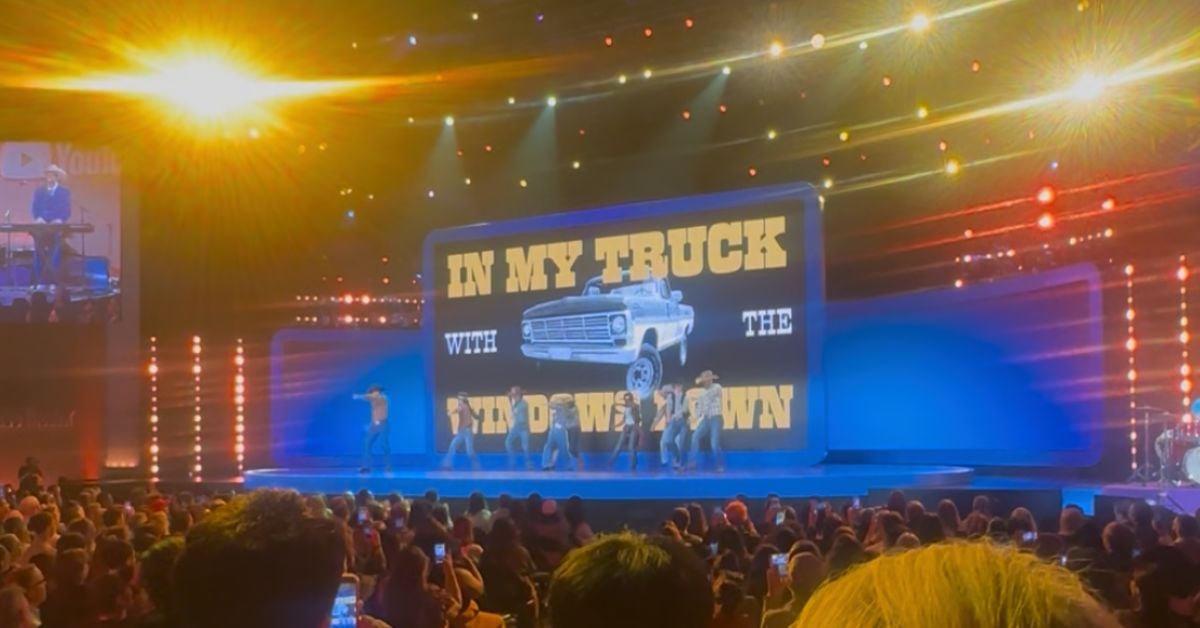
The segment was pure Canva magic. I’ll admit: I started my morning creating a pitch deck in Canva and had to share the link with a prospective client. I thought, that’s a long URL. Less than an hour later, it appeared on screen as a granted wish — shorter shareable links. You could not script that timing. And as is Canva tradition, the keynote closed with a spectacular balloon drop and confetti cannons — because at Canva Create, even the ending is on brand.
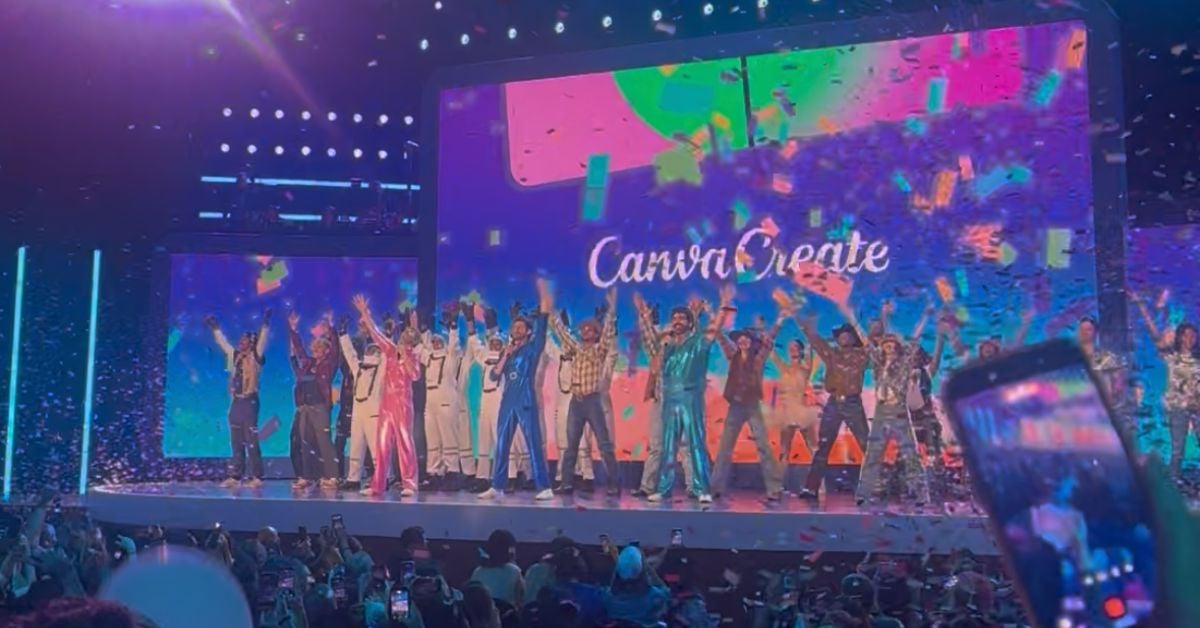
Some other notable new launches from the event:
– Canva Offline — design, save, and sync your work without an internet connection
– Print Shop — select, customize, and order physical products directly through Canva
– Learn Grid — curriculum-mapped teaching resources with integrated AI activity creation
– Magic Video 2.0 and Image Upscaling — significant quality upgrades for video creators
– Personal Brand Kits — individual-level brand identity management
– Canva Code 2.0 — build interactive, responsive experiences via conversational prompts
“It’s Like Canva Coachella”
A quick note on the wider event experience, because I think it is genuinely underappreciated by those who have not attended.
Canva’s ICP is… everyone. Nearly 300 million monthly active users do not fit neatly into a traditional buyer persona. And you feel that diversity the moment you walk the floor at Create. Educators, enterprise marketers, solo entrepreneurs, non-profit designers, students — all under one roof, all buzzing with the same energy.
I overheard a young attendee on his phone say to a friend: “Dude, it’s like Canva Coachella.” I cannot improve on that. The activations, hands-on learning stations, print experiences, creator zones, and the swag shop (Canva Originals is genuinely excellent quality — I now own proof of that) make this one of the most energizing event experiences in the industry calendar.
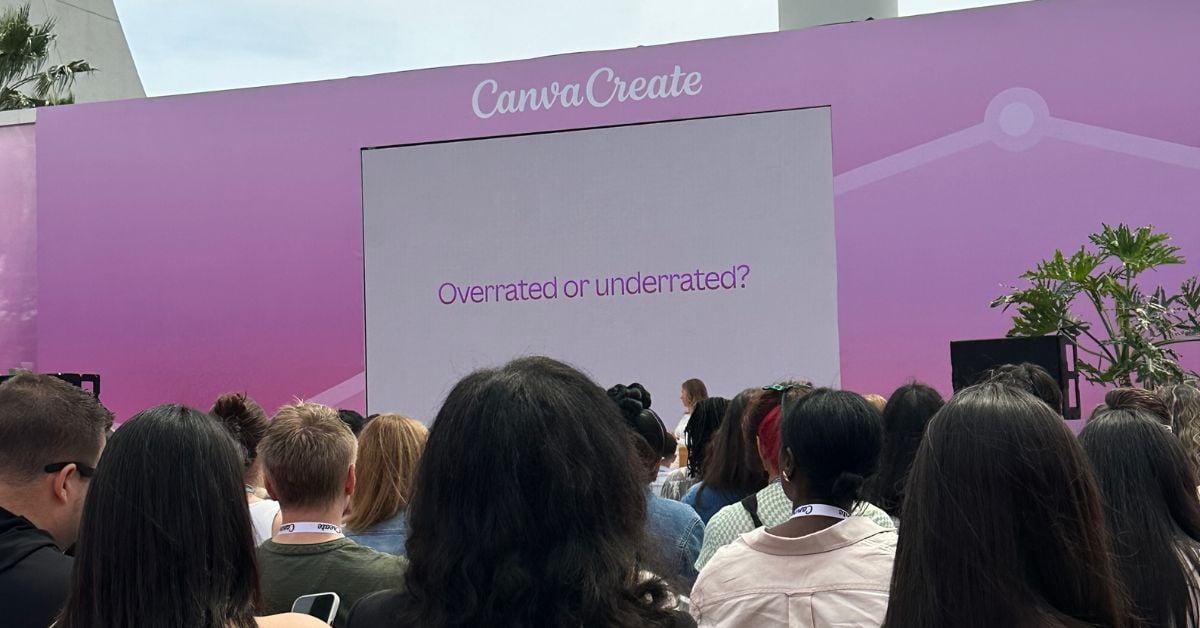
I also caught a panel featuring marketing leaders from Canva, CDW, and Mars Petcare that posed the question: Can AI be enabled faster and more effectively by SMBs over Enterprise? The panel’s verdict? Underrated — meaning SMBs have a significant structural advantage. From my experience, this could not be more true. The bureaucracy, procurement cycles, and data security hurdles that slow down AI adoption in large organizations simply do not exist for small and mid-sized businesses. If you are an SMB, the time to launch your AI stack is right now. A focused 10-week AI sprint that includes Canva as a core component of your marketing operations could change the way your team creates content — permanently.
What This Means for Your Business in 2026
Here is my honest assessment after a full day at Canva Create 2026: this is not an upgrade. It is a platform reset.
The shift from Canva as a design tool to Canva as a conversational, agentic creative platform is as significant as the shift from desktop publishing software to cloud-based design was a decade ago. The teams that get ahead of this — that invest in learning the platform, setting up their brand intelligence properly, connecting their tools, and building Canva workflows into their operations — are going to have a substantial productivity and quality advantage over those who wait.
Will the fully automated campaign-from-a-strategy-call future arrive overnight? Probably not. But removing even 85% of the manual, repetitive creative busywork from your team’s plate? That is not incremental. That is transformative.
What Is a Canva Agency Partner (And Why It Matters)
Before I end, I want to address a question I get asked often: What exactly is a Canva Agency Partner?
The Canva Agency Partner program is one of the most selective partnerships in the design and marketing technology space. With only 33 agencies holding this designation globally, it is not something just anyone can apply for. Partners are vetted agencies that specialize in helping organizations implement, manage, and get the most out of the Canva Visual Suite. That means brand template creation, team onboarding, design system migrations, and ongoing platform optimization.
For NAV43’s clients, working with a Canva Agency Partner means you are not learning the platform on your own. You are getting a team that lives inside Canva daily, knows the roadmap, has direct relationships with the Canva team, and can accelerate your time-to-value — whether you are a 5-person startup or a 500-person enterprise.
Want to get your team working smarter in Canva? Book a free Canva onboarding consultation with NAV43 →
Closing Thoughts: The Canvas Is Never Finished
Leaving Los Angeles, my mind was racing in the best possible way. Canva Create 2026 showed me a company that has moved from answering user wishes to fundamentally rewriting what a design platform can be. The convergence of memory, layered intelligence, native integrations, and conversational design is not just a product update — it is the answer to the question the entire creative industry has been asking: when will AI-generated creative actually be good enough to use?
For NAV43, these announcements open new doors for every one of our clients. AI-powered, on-brand content creation at scale, without sacrificing quality — that has been the holy grail. It looks like Canva is getting there.
The canvas is never truly finished. But with Canva AI 2.0, it just got a lot more powerful.
